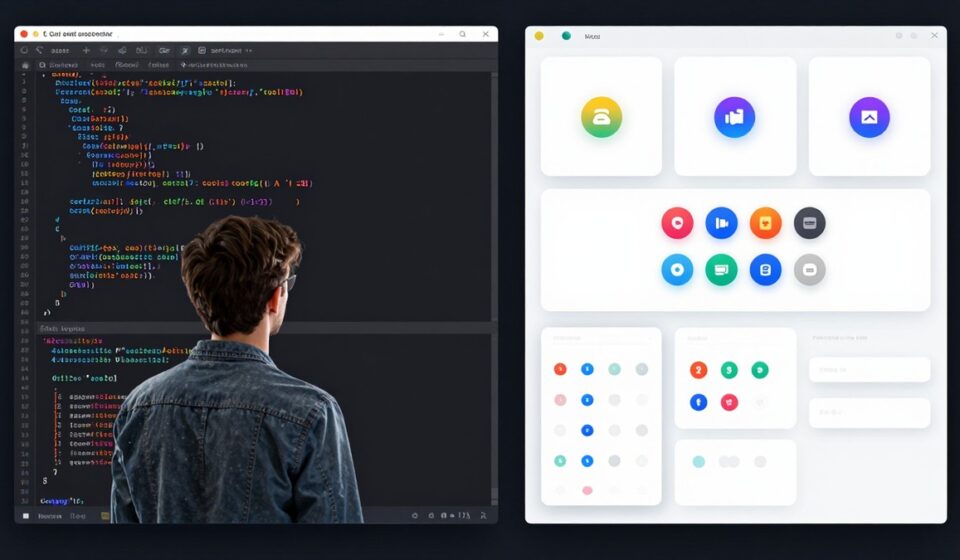
Spent 6 Hours Building a Button. Then Found Uiverse.
You know that feeling when you’ve been staring at CSS for hours trying to make a button look right? Yeah, me too.
Last month I had this client project — fancy landing page, lots of micro-interactions, custom animations everywhere. The designer wanted 14 different button states. Not exaggerating. Fourteen. With hover effects, loading states, click feedback, the whole thing.
I opened VS Code like a fool and started from scratch.
Three hours later I had… three buttons. Working. Sort of.
That’s when a coworker pinged me: “Bro, have you tried Uiverse?”
I had no idea what that was.
Turns out, it’s this open-source thing with thousands of community-contributed UI elements. Buttons, cards, loaders, you name it. And the kicker — you just copy the code. That’s it. No npm install, no dependency hell, no design system to learn.
I was skeptical at first. “Free UI library? On GitHub? Probably looks like crap.” But I clicked around and… actually, some of this stuff looks better than what I was building.
So What Is It, Really?
Uiverse is a community project. Designers and developers submit UI elements, other people use them. There’s a companion GitHub repo called Galaxy that has the actual code — over 3,000 elements at last count.
The formats you can grab:
- Plain HTML/CSS
- Tailwind
- React components
- Figma files
So whatever stack you’re working in, there’s probably something you can drop in.
What Kinds of Stuff Are In There?
Buttons, obviously. Lots of buttons. Neon ones, 3D ones, gradient buttons, ones with crazy hover effects. Honestly, way more variety than any traditional component library.
Cards — product cards, profile cards, dashboard widgets, glassmorphism stuff.
Loading animations — and this is where it shines. You know how annoying it is to write custom loading spinners? Just copy one.
Forms — login boxes, search bars, fancy input fields with effects.
Toggles, checkboxes, switches — all the small stuff you’d normally spend way too long fiddling with.
The Galaxy Repo
This is where the source lives:
github.com/uiverse-io/galaxy
It bills itself as “the largest open-source UI Library” — 3,000+ community-made elements. Buttons, cards, forms, inputs, notifications, loaders, tooltips, toggle switches, the list goes on.
Why It’s Actually Useful
Here’s the thing — traditional component libraries are great, but they all have opinions. You install Material UI and suddenly your app looks like every other Material UI app. You install Ant Design, same problem.
Uiverse doesn’t care about consistency. It’s a grab bag. Some of it looks weird. Some of it looks amazing. But you’re not committing to a design system — you’re just grabbing the one button you actually need.
For landing pages, marketing sites, side projects, hackathon stuff — perfect. For a serious enterprise dashboard where everything needs to look uniform, maybe not.
Quick Win Example
Let me give you a real example. I needed a fancy loader animation for a client project. The kind with a rotating gradient orb thing.
Old me: spend an hour on Dribbble, find a reference, write the SVG, tweak the CSS, debug why it’s not animating, give up and use a GIF.
New me: searched “loader” on Uiverse, found something even better than what I was imagining, copied the code, changed two colors, shipped.
Total time: maybe 4 minutes.
That’s the whole pitch, really.
The Catch
Not everything in there is production-ready. Some of it is experimental. Some of it looks dated. You’ll need to filter through and find the good stuff.
But for the price (free), the variety is insane. And unlike a lot of open-source stuff, the community is actually active. People are submitting new elements regularly.
Should You Use It?
If you’re building something that needs to ship fast and look decent, yeah, definitely. Browse it, bookmark it, use it as a starting point.
If you’re building something where design consistency is the whole point — like a design system for a large company — probably stick with Material UI or Ant Design. Uiverse is more of a “grab what you need” tool than a “build your whole app on this” tool.
For my client project? I shipped two days early. Used Uiverse for maybe 30% of the UI elements. Saved myself probably a full day of CSS debugging.
Not bad for a free GitHub repo.
Try it:
- Browse: uiverse.io
- Source code: github.com/uiverse-io/galaxy