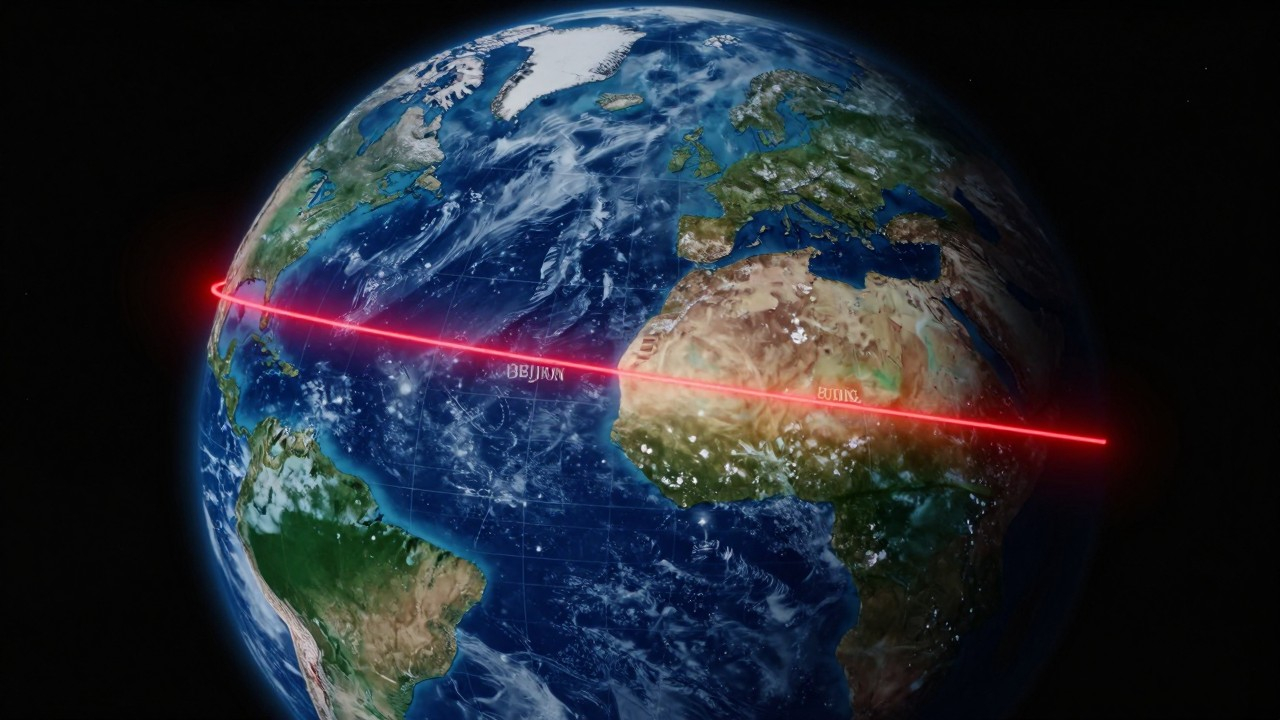
How I Made a Geography Animation Video in 20 Minutes Using Codex + HyperFrames
The World Cup qualifier was on. Cape Verde—population under 600,000—had just held Spain and Uruguay to draws, and the broadcast was running a story about how this tiny Atlantic nation punched so far above its weight.
I had no idea where Cape Verde was.
I pulled up Google Maps, found a yellow dot in the Atlantic, and thought: this tells me nothing. I wanted to actually feel the distance—not a marker on a flat image, but something that made the gap between those two places register.
So I opened Codex. Then HyperFrames. No After Effects, no Premiere, no traditional editing software at all. This is the honest story of what happened next—including version one which was kind of a mess.
What These Tools Actually Do
Codex is OpenAI’s desktop AI agent. It operates your computer, not just chats with you—reads files, writes code, runs projects, builds web pages. A remote coworker who has terminal access and handles tasks you describe in plain English.
HyperFrames is HeyGen’s code-driven video renderer. You give it a description, it outputs a video file. No timeline, no keyframes, no drag-and-drop—just text in, video out.
Codex figures out what you’re asking for. HyperFrames turns that into something you can watch.
No coding ability required. Just clarity about what you want.
The Full Process
Step 1: Set up the project (5 minutes)
Desktop → new folder → “Cape Verde to China Distance.”
In Codex: New Project → Local Project → select that folder.
Give the AI a clean workspace. Assets, code, and output all stay in one place. Sounds obvious, but I have seen people skip this and then spend twenty minutes looking for a file they saved somewhere random.
Step 2: Install the plugin (2 minutes)
Codex sidebar → search “HyperFrames by HeyGen” → install.
After that, type @HyperFrames in the input box to pull it up. Everything lives inside Codex, no tab switching.
Step 3: Write the prompt
Most people stumble here.
“Make a cool video” is not a prompt. It is a mood. Moods do not compile.
Here is what I actually sent:
Create a 9:16 vertical video, 30 seconds, theme: "Cape Verde to China Distance."
Include a world map, red route line, distance figures, title text "Cape Verde → Beijing."
Camera starts at Praia, Cape Verde and ends in Beijing.
Use flat projection with latitude/longitude grid background.
Colors: dark blue background, red route line, Chinese labels for countries and cities.
Rule of thumb: every visual element gets a line—aspect ratio, duration, motion type, color scheme. More specificity, better match to what you had in your head.
Struggling to write it? Ask Codex to draft one for you. My prompt above started as a Codex suggestion after a one-sentence description.
Step 4: Wait 18 minutes, watch version one
Codex went to work—looking up coordinates, calculating great-circle distances, writing the HyperFrames project file.
I made coffee. You do not need to stare at a progress bar any more than you need to watch someone else code.
First version loaded. I was braced for disaster—first attempts routinely are disasters.
It was not terrible. Cape Verde, China, the route, the distance figure: all there. Animated. Functional.
But not scroll-stopping. Flat map, basic motion, felt like a PowerPoint slide that had been given permission to move. I wanted something that made people stop swiping.
Step 5: One sentence
Second prompt, five words:
Make it a 3D globe instead.
In a conventional editing workflow, converting a flat map to a 3D rotating Earth means: new assets, rebuilt animation from scratch, fresh render—half a day minimum if you know what you are doing.
In Codex, you just say what you want different. It rewrites the code.
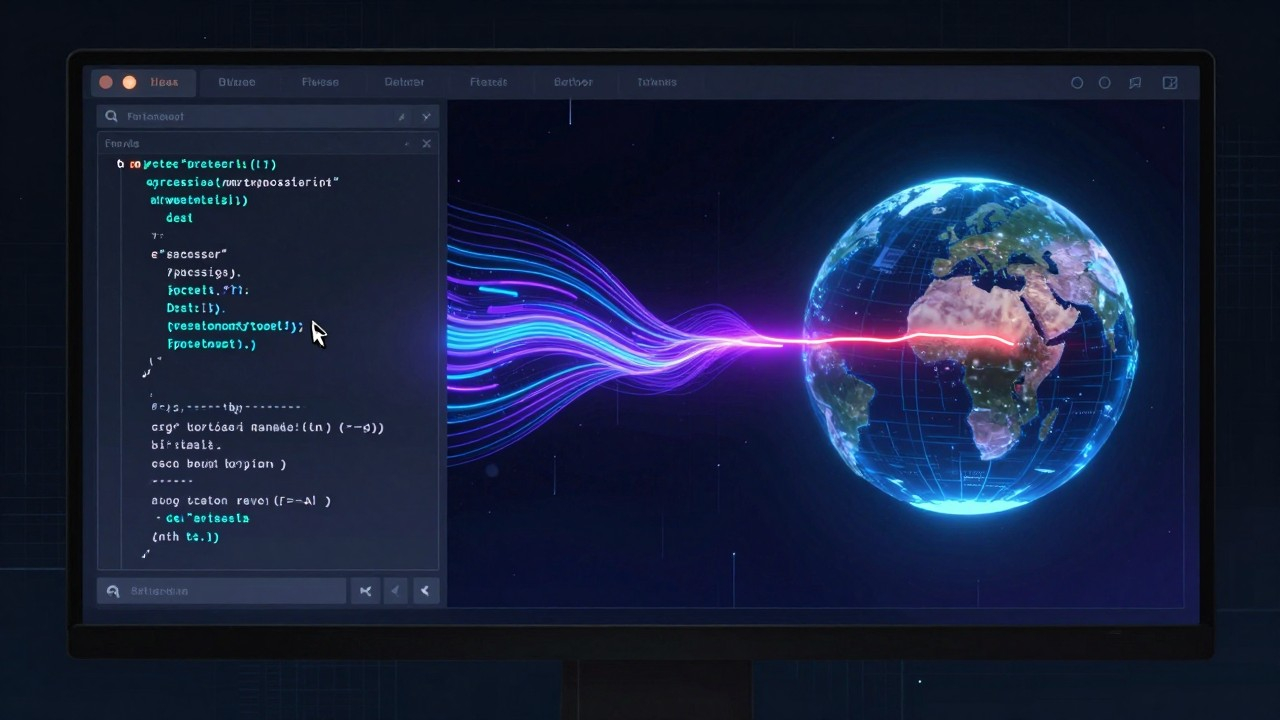
Honestly, the first time I watched it happen, it felt strange. Like directing an editor by voice—saying “fix the globe, make it round”—and watching the timeline reorganize itself without me touching a single clip.
The result: a spherical 3D Earth against black space, the red route arching along the globe’s curvature, the distance figure ticking in real time, title cards and data overlays rendered cleanly.
For a geography explainer, it worked.
What I Noticed
The video is not the point. The point is what the whole process reveals.
1. The bar is moving
Two years ago, something like this required After Effects or Motion Graphics templates, a 3D Earth asset, animation keyframing, rendering—several hours at minimum, and that was for someone who already had the skills.
Now: say what you want, wait twenty minutes, see it, keep refining.
Explain it clearly enough, and you can make it.
2. The solopreneur ceiling moved
Content creation used to mean either years of niche mastery or a team—editor, animator, motion designer, compositor, each a separate skill track.
Codex + HyperFrames makes video production a callable service. You do not need to know how to cut a timeline. You need to know what belongs on it.
This is a deeper shift than the industry is currently giving credit for.
3. Prompt writing is the real skill
The common wisdom is that “asking questions well” is what matters in the AI era. That is only half right.
The actual稀缺能力 is translating vague intentions into precise visual specifications—taking “make this feel epic” and breaking it into aspect ratio, color palette, motion speed, camera movement, text hierarchy.
Every version of this video came from a prompt. Better prompt, better result. Vague prompt, garbage output. No exceptions.
The single highest-ROI thing any content creator can develop right now is prompt fluency.
My Take
AI will not replace video editors. It will replace editors who refuse to use it.
Photoshop did not kill designers. It made good designers dramatically more productive. Adaptation was the dividing line. Same pattern showing up in video, right on schedule.
What do you think—legitimate shift, or overhyped toy?