AgentBrush Review: The Missing Piece in Your AI Coding Workflow That Nobody Talks About
Claude Code ships fast. I’ve been using it for a few weeks now, and the code quality has genuinely impressed me — it thinks a few steps ahead, catches edge cases I would’ve missed, and the terminal workflow is clean. For a developer who’s spent years going back and forth on Pull Requests, it’s genuinely strange how natural it feels to delegate code tasks to it.
But there’s one thing that kept bugging me.
The sites it builds look… generic. Not bad, not broken — just unremarkable. Every page looks like it came from the same design system, which, in a sense, it did. When every team using the same coding agent pulls from the same default image libraries, you end up with a web that looks like it was designed by the same person. The same hero images of people smiling at laptops. The same abstract tech gradients. The same Unsplash photos of coffee and code.
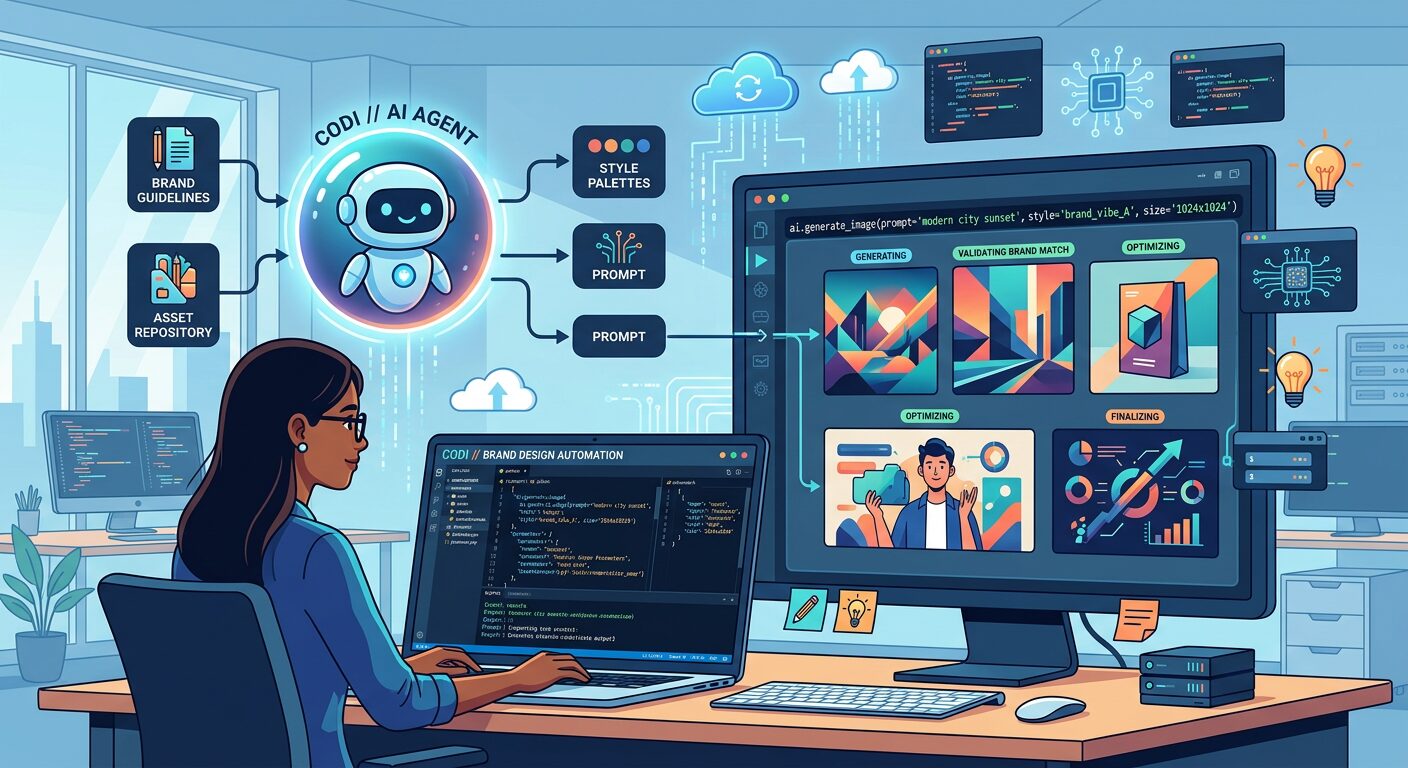
AgentBrush is a small MCP server that sits in your config and solves this specifically. It gives your coding agent image generation capability — but with brand memory.
Here’s what that actually means in practice. You upload your logo, your color palette, and your typography preferences once. From that point on, every image the agent generates carries those elements forward. Not because you prompted for them each time in the agent’s context window — because the tool remembers. The logo is embedded. The brand colors are the default. The typography guide is loaded.
The difference between this and a regular image generation call is hard to describe until you see it side-by-side. The images don’t just match your code — they match your brand. The same creative director, every time, without a brief.
What I didn’t expect: it changed how I think about the handoff between code and design. Normally, there’s a painful loop where a developer builds something, a designer says “this doesn’t match our brand,” and they go back and forth until something sticks. With AgentBrush, that loop shortens significantly. The agent has enough brand context to generate something that doesn’t immediately feel wrong. The design review becomes refinement, not rework.
The setup took me about twenty minutes. I uploaded a logo, picked three brand colors, and set a font preference. The first image it generated looked better than three months of me manually picking from stock libraries. By image ten, I stopped thinking about the visuals at all — which is exactly where you want to be. You stop managing the creative and start managing the product.
The honest limitations: it’s still early, and the image generation quality depends on how specific your brand guidelines are. If your brand is “clean and modern,” you’ll get clean and modern — which is the same as everyone else who said, “clean and modern.” The more specific your visual identity, the better AgentBrush’s output will be. Vague brands get vague results.
If you’re building with coding agents and your sites still look like templates, this is the piece you’ve been missing. It’s not a design tool replacement — it’s the bridge between “code done” and “brand consistent.”