There’s a 2000-Star GitHub Tool That Actually Does Your Video Editing
There’s a 2,000-Star GitHub Tool That Actually Does Your Video Editing
I was scrolling GitHub last week when something caught my eye. A project called jianying-editor-skill had quietly crossed 2,000 stars. No big launch. No hype tweet. Just a repo that does one thing well.
I clicked it.
Here’s what I found: it’s not an AI video generator. It doesn’t take a prompt and spit out random clips with bad voiceovers. What it does is the opposite. You give it your footage, your real footage, and it runs your entire editing pipeline from start to finish.
Footage sorting. BGM matching. Color correction. Transitions. AI narration. Auto captions. Rendering. All without you sitting there dragging clips frame by frame.
One sentence: you shoot, it edits.
That part alone would make it worth talking about. But the thing that actually got me was how it works under the hood.
Most automation scripts for video editing do one thing — they simulate mouse clicks. Open this panel. Click this button. Drag that slider. It works until the software updates, the button moves, and your whole workflow breaks. Then you’re debugging for three hours instead of editing.
This project doesn’t do that.
jianying-editor-skill reads and writes Jianying’s draft_info.json directly. That’s the project file Jianying uses to store timelines, tracks, clips, keyframes, everything. The tool talks to the file, not the interface. So when Jianying updates its UI next month, the script doesn’t care. The underlying file structure is what it touches.
That means speed. And precision. And stability. No clicking the wrong button. No crashes from rapid-fire automation. You set it, you walk away.
I tested three scenarios over the past week. Here’s what held up.
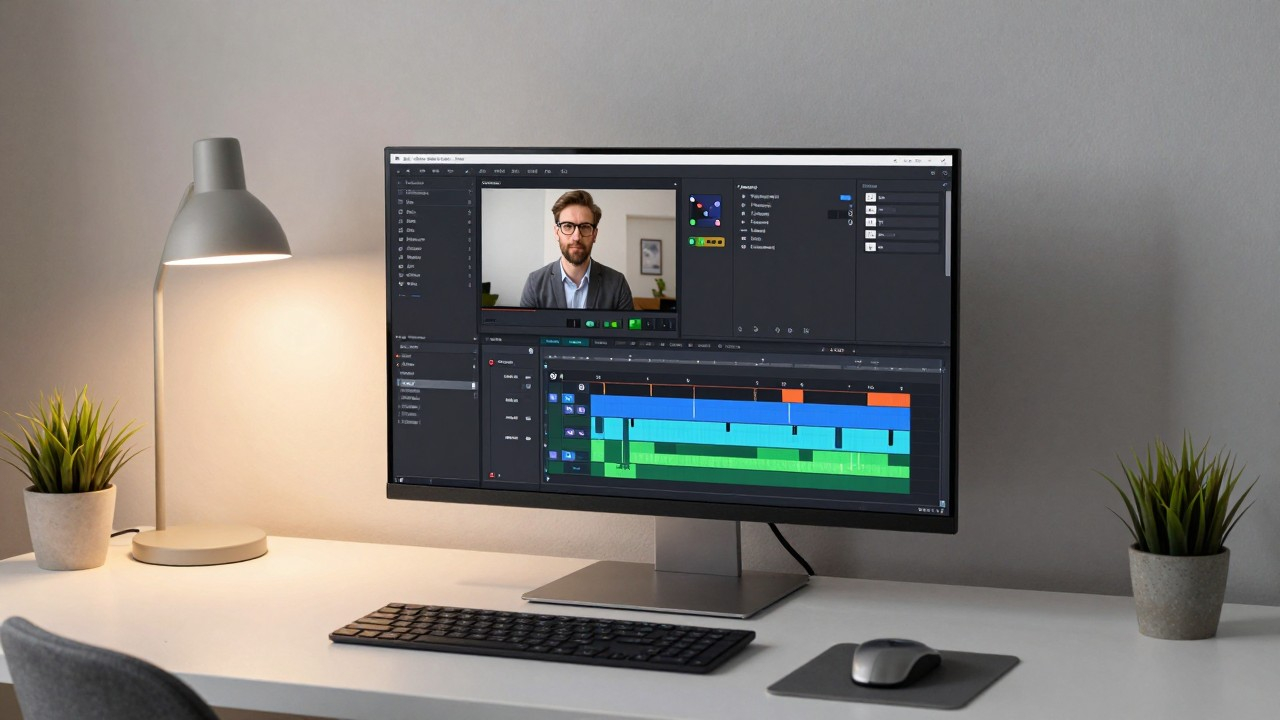
The first one: Vlog cutting. I had a folder of travel footage from a weekend trip. Thirty clips, some photos, no particular order. I dropped them in and ran one command. Three minutes later it had sorted everything by timestamp, matched a light background track, applied consistent color grading, added soft transitions, generated title cards, and rendered a 1080p export. I didn’t touch a single clip. That part was real.
The second one: voiceover-to-video workflow. I write a script, it generates an AI narration track, auto-syncs captions word-by-word, and builds the full timeline around it. Typewriter text animations, fade-in effects, all built in. What used to take an hour took three minutes. I ran a knowledge-share video through it — no manual timing adjustments, not one. The captions aligned correctly on the first pass. That surprised me.
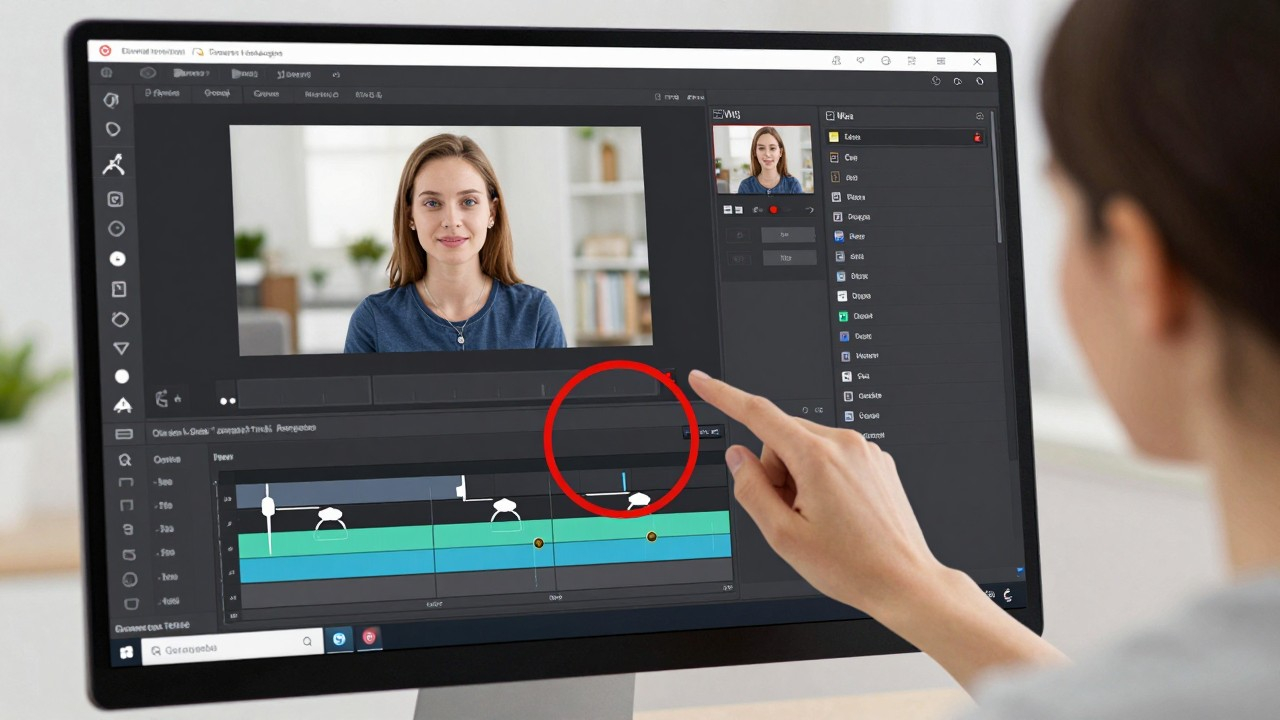
The third one: tutorial screen recording. This is the one that converts people. Record your screen, fine. But adding zoom keyframes, click annotations, red-circle highlights — that part takes longer than the recording itself. The tool uses Playwright to track cursor movement and automatically places zoom keyframes at decision points, adds red circles at click locations, and generates keyframe sequences. I ran a Figma tutorial through it. One manual annotation in the whole video, and that was because I wanted a specific style the auto-detector didn’t pick up.
Version 1.4 added semantic audio-video matching. When the narration mentions something, it auto-searches the footage library for a matching shot and drops it in, in sync. That’s the feature that makes explainer videos and product reviews feel polished without any manual cutting.
Here’s the honest part.
The best experience requires Windows and Jianying Pro version 5.9 or lower. If you’re on Mac, it generates drafts, but you have to export manually — it’s labeled experimental for a reason. Some things don’t work: the real-time beauty filter and smart background removal inside Jianying are unavailable through this method. Mobile Jianying and CapCut international are not supported at all.
If you’re on Windows with a recent Jianying install, this is the full package. If you’re not, you’ll get about eighty percent of the value and a few manual steps.
For front-end developers, there’s a side benefit worth mentioning: you can pipe HTML, CSS, and JavaScript animations directly into Jianying timelines. Three.js particle effects, GSAP sequences, Lottie files — record them as video and drop them into your timeline. Your codebase becomes your video effects library. That’s nothing.
The repo is live at github.com/luoluoluo22/jianying-editor-skill. Free, open-source, runs locally.
One thing I keep coming back to: AI doesn’t replace creators. It replaces the part of creation that’s actually exhausting. The tedium, the repetition, the frame-level corrections that don’t require taste — that’s what tools like this should take. The thinking, the storytelling, the aesthetic judgment, that’s still yours.
jianying-editor-skill earns its stars.