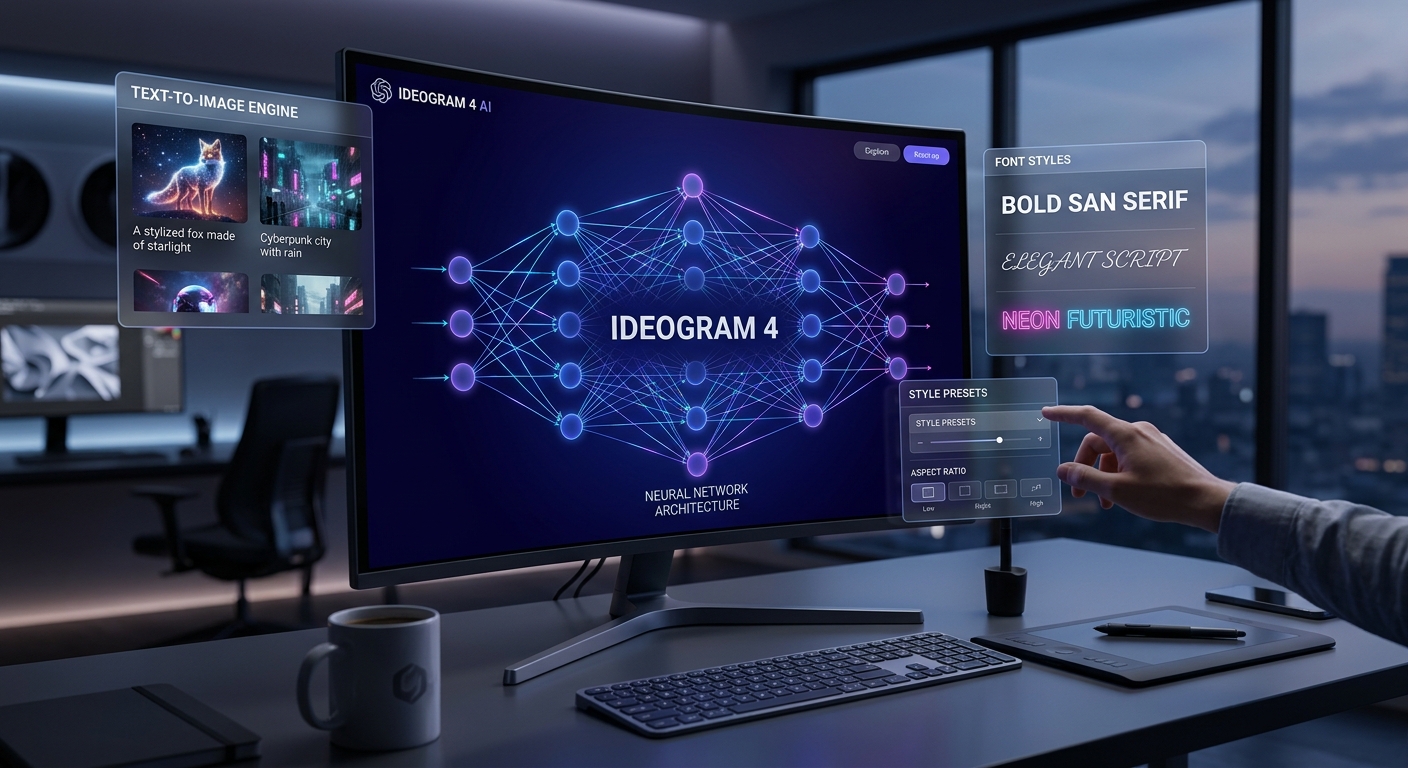
Ideogram 4 Open Source: The AI Image Generator That Finally Matches GPT-Image and Midjourney
The AI image generation space just got a serious shake-up. Ideogram just dropped Ideogram 4 as an open weights model — 9 billion parameters — and you can run it locally on your own machine with LoRA fine-tuning support and ComfyUI workflows. That’s a big deal because Ideogram has long been one of the best models for rendering text inside images, something most open models still struggle with. Now you get that capability without paying a subscription or relying on their cloud service.
What Makes This Different
Ideogram 4 isn’t just about better image quality — it’s built for real design work. The open weights release includes a structured JSON Prompt system that lets you precisely control content placement, color palettes, lighting direction, and where each element sits in the frame. Instead of asking the AI to “make something cool,” you can hand it something closer to an actual layout brief. For commercial visual content, that level of control matters.
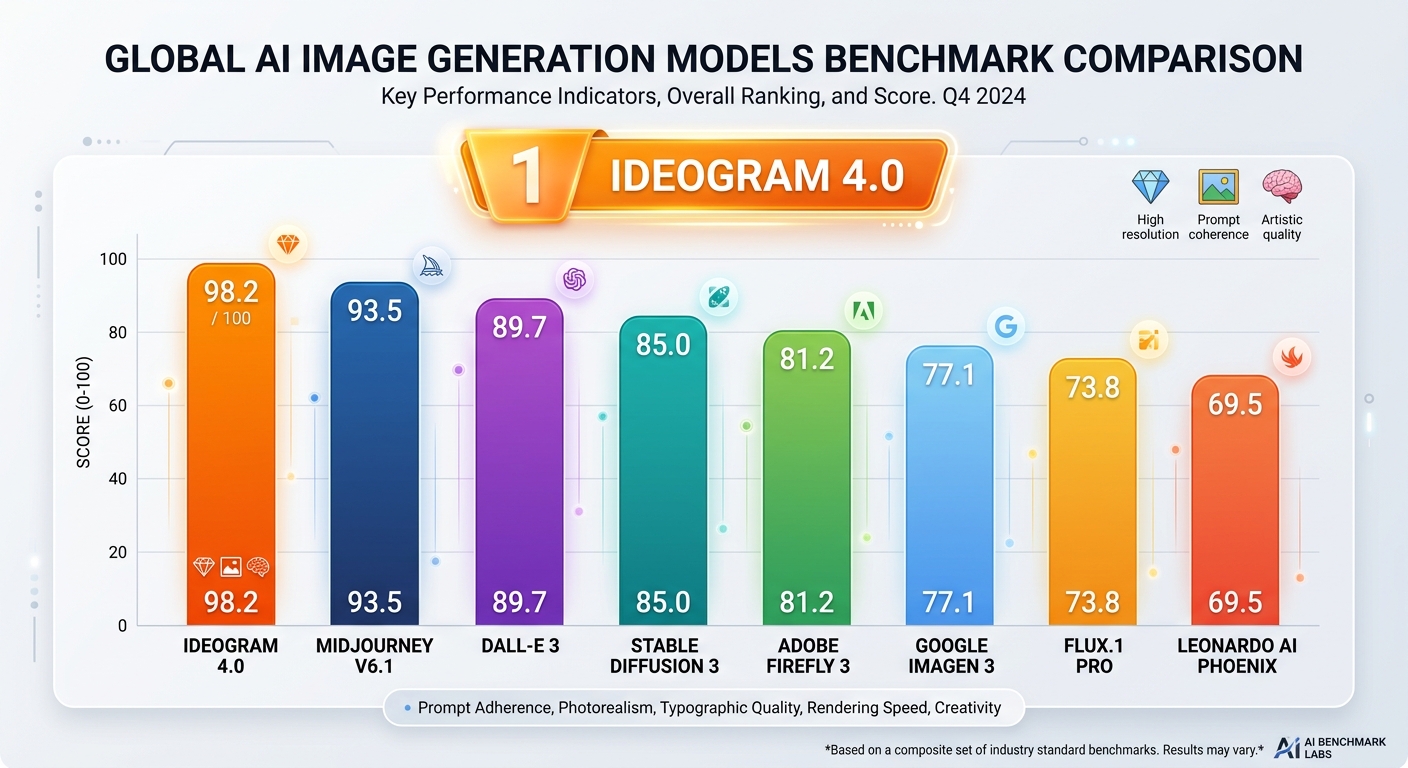
The model also narrows the gap with leading closed models on several standard benchmarks:
Layout Control (7Bench): Outperforms all closed-source models
Spatial Reasoning and Object Fidelity (SpatialGenEval): Competitive with premium alternatives
Text Rendering (X-Omni OCR): Among the best in the open weights space
Prompt Alignment (Prism): Strong alignment scores across test categories
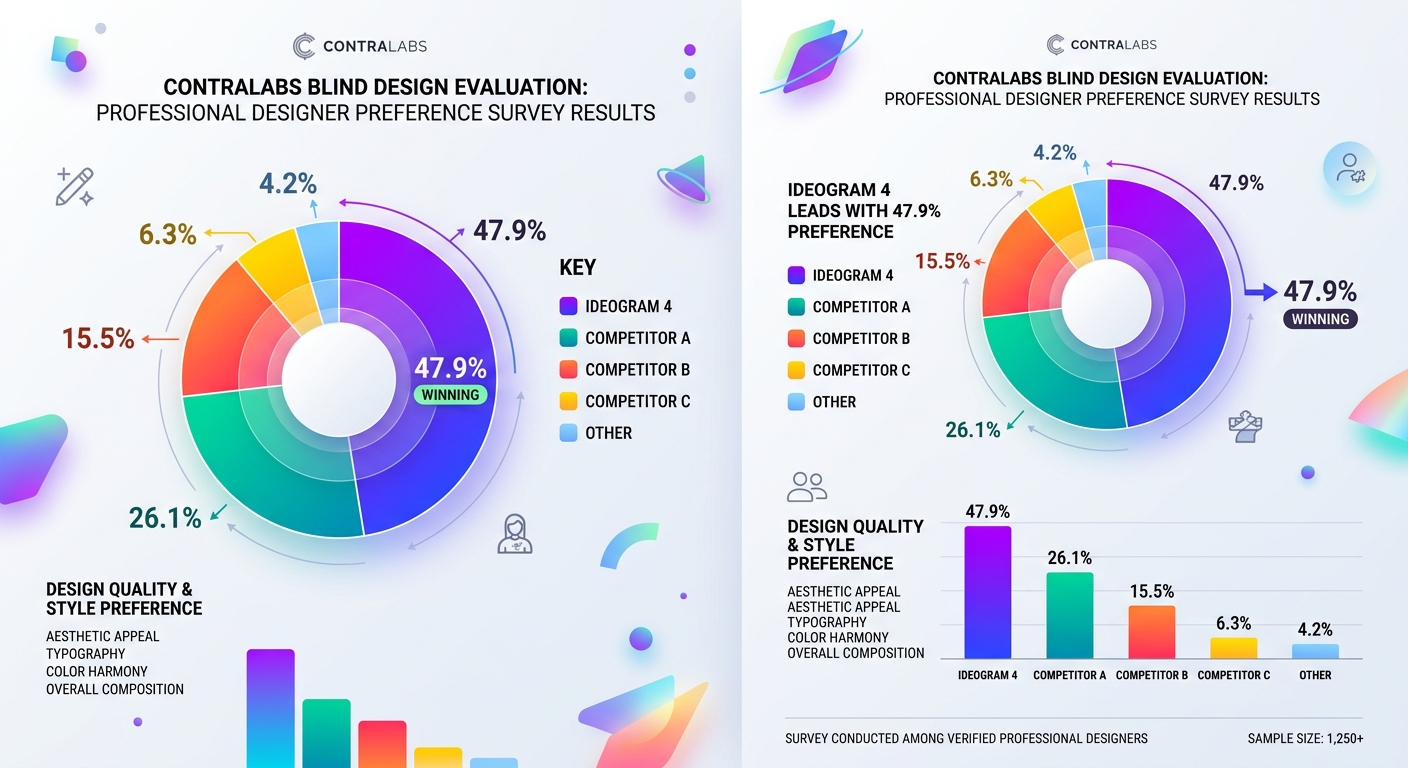
In a blind design evaluation run by ContraLabs with ten professional designers, Ideogram 4 was picked as the best model 47.9% of the time — far ahead of Gemini 3.1 Flash Image Preview (30.0%), FLUX.2 [max] (15.5%), and Grok Imagine 1.0 (15.0%).
Hardware Requirements
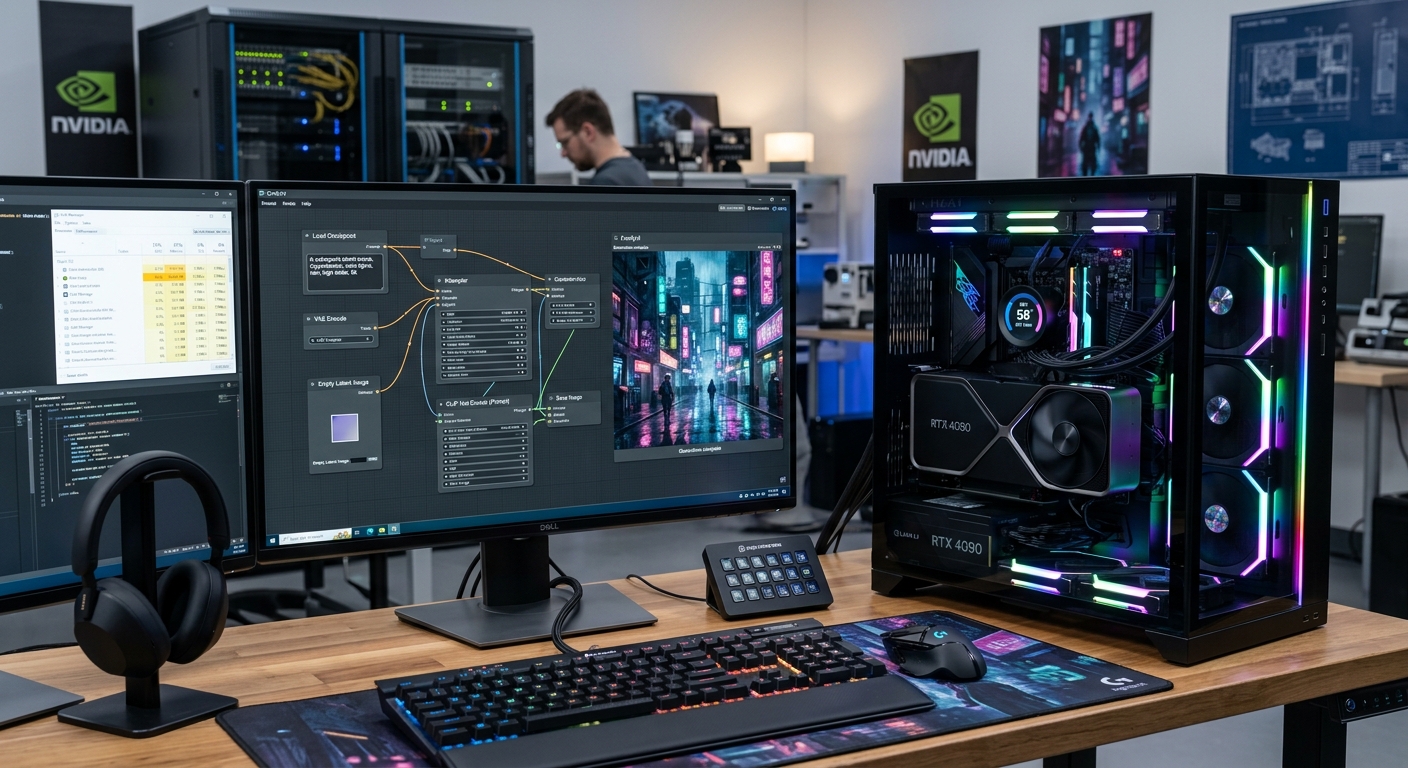
Ideogram 4’s 9B parameter model needs decent hardware to run locally. The recommended specs for smooth generation:
GPU: 12GB+ VRAM (RTX 4070 or better recommended)
RAM: 16GB minimum, 32GB for comfortable workflow
Storage: About 15GB for the full model package
The model is distributed as an FP8-scaled checkpoint, which keeps the file size more manageable without sacrificing too much precision.
How to Set It Up Locally
Here’s the quick rundown for getting it running through ComfyUI.
Step 1 — Download the model
Get the bundled package or individual files:
ideogram4_fp8_scaled.safetensors
ideogram4_unconditional_fp8_scaled.safetensors
qwen3vl_8b_fp8_scaled.safetensors (text encoder)
gemma4_e4b_it_fp8_scaled.safetensors (text encoder)
flux2-vae.safetensors
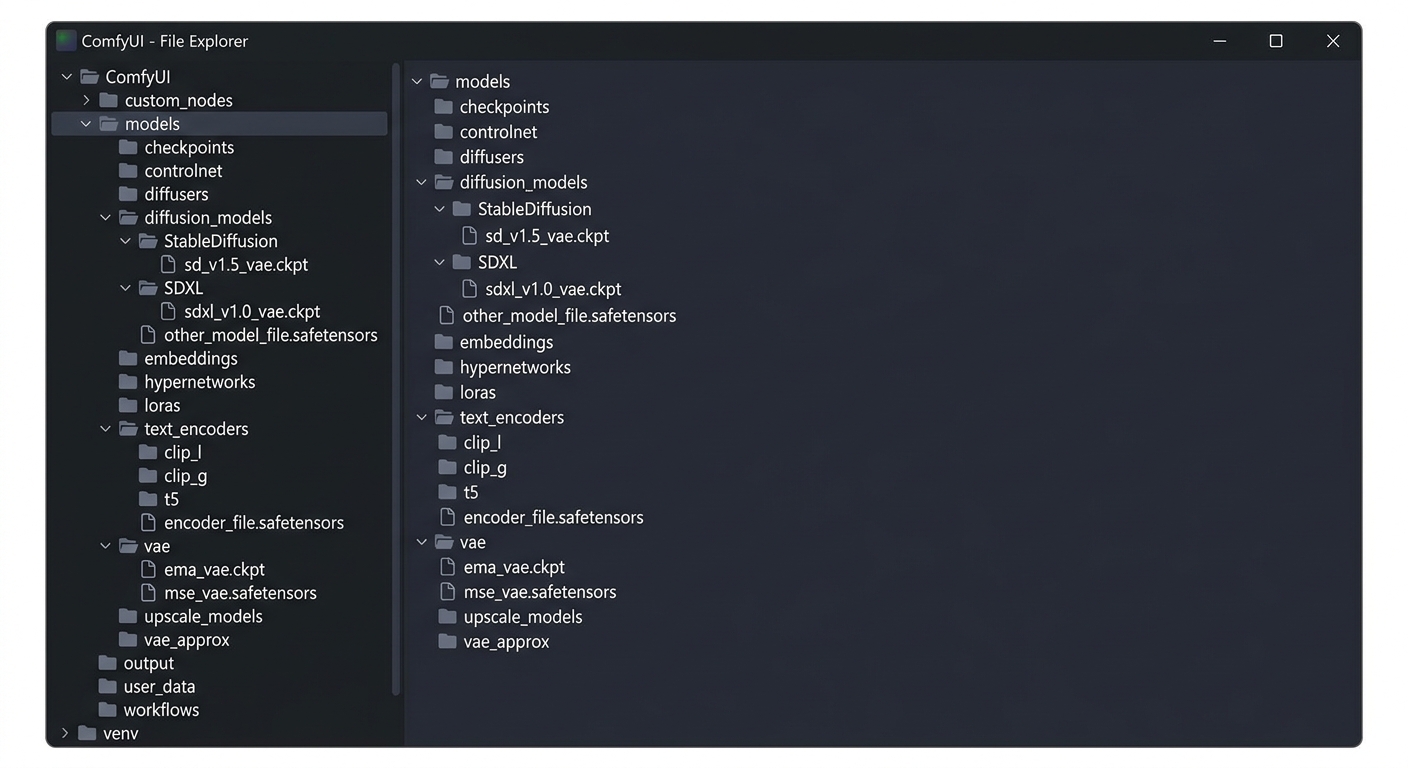
Step 2 — Place files in your ComfyUI directory
Organize them under ComfyUI/models/ like this:
ComfyUI/
models/
diffusion_models/
ideogram4_fp8_scaled.safetensors
ideogram4_unconditional_fp8_scaled.safetensors
text_encoders/
qwen3vl_8b_fp8_scaled.safetensors
gemma4_e4b_it_fp8_scaled.safetensors
vae/
flux2-vae.safetensors
Step 3 — Install the latest ComfyUI
If you’re running an older ComfyUI install, update, or do a fresh install, the latest version is required to load the new workflow properly.
Step 4 — Download the workflow
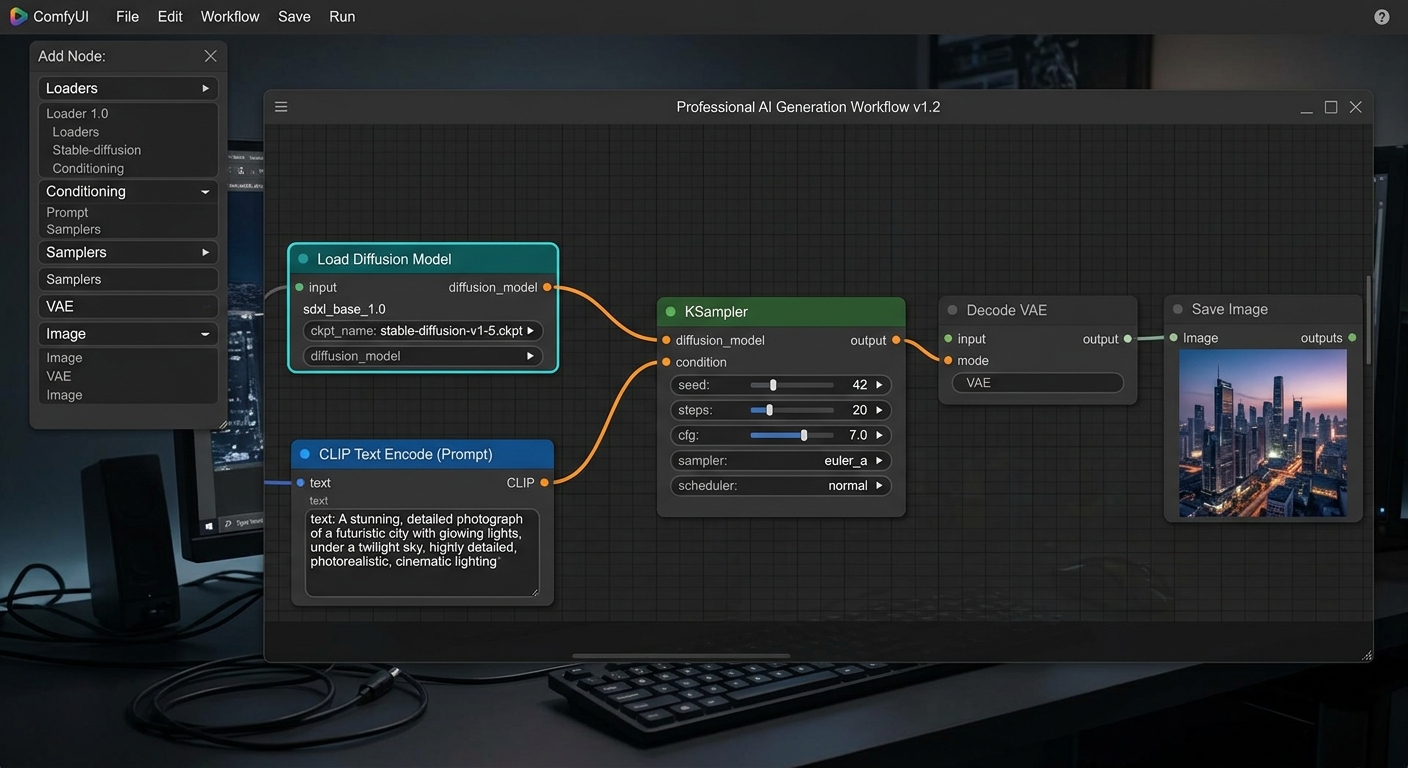
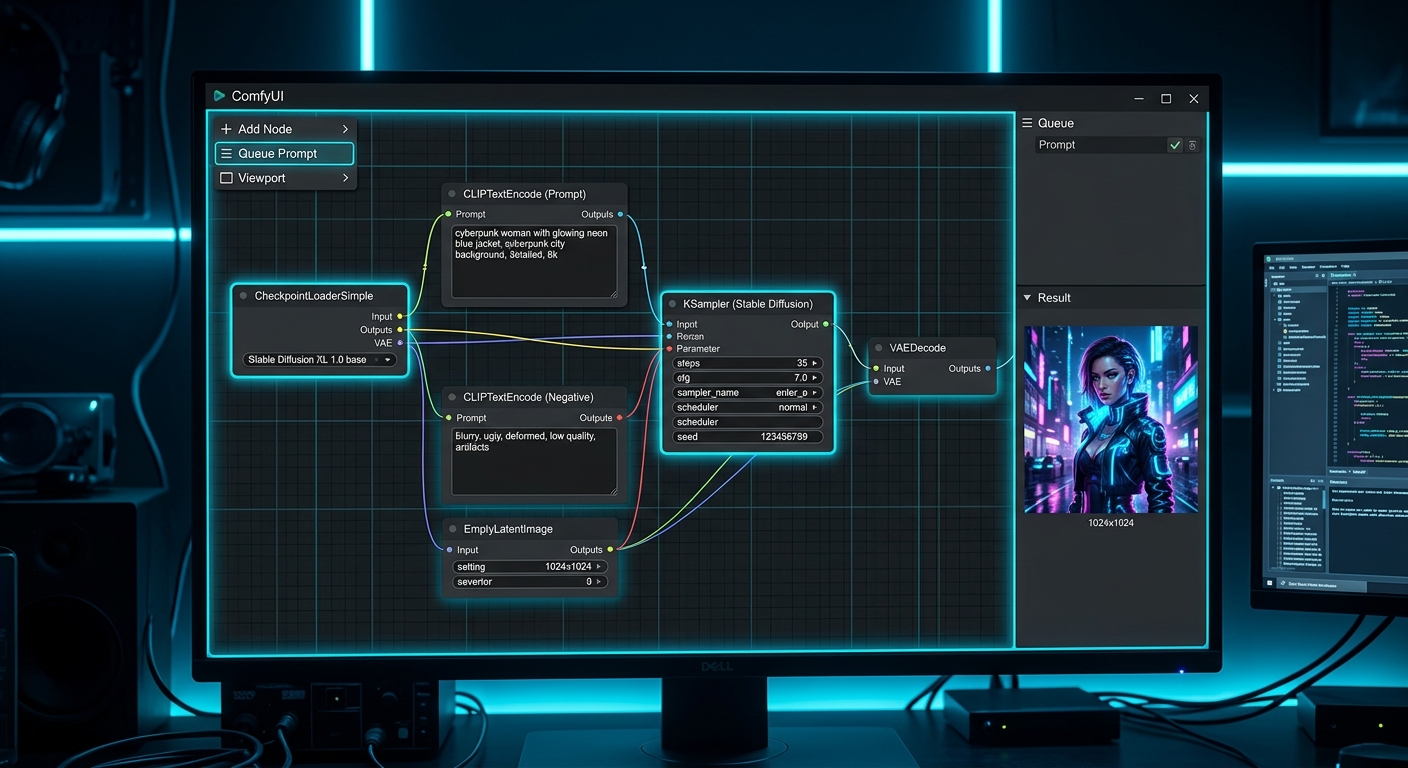
Grab the Ideogram 4 workflow file and drag it directly into ComfyUI. That’s it — the nodes and connections should load automatically. You can then start generating with text prompts and the structured JSON prompt mode.
Real-World Performance
Testing locally on a mid-range workstation, Ideogram 4 lives up to the benchmarks. Text rendering is genuinely solid — something that trips up most open models. Poster-style layouts with mixed typography render cleanly. The structured prompt system takes some getting used to, but once you understand how to describe layout constraints, the outputs are significantly more predictable than generic diffusion models.
The 9B parameter size means generation takes longer on smaller GPUs, but if you have the VRAM, the quality is worth the wait. For teams that need reliable text-in-image generation without a cloud subscription, this is the strongest open option right now.
Is It Worth Running Locally?
If you already pay for Ideogram’s cloud service, the open weights version gives you a solid offline alternative. For those on the free tier, local deployment opens up higher generation limits and faster iteration cycles without internet connectivity.
The catch is hardware. If your GPU has less than 12GB VRAM, you’ll be waiting a long time per image or will need to compromise on resolution. But for studios or power users with capable hardware, this is a genuine alternative to Midjourney or DALL-E for commercial work — and it’s completely free.