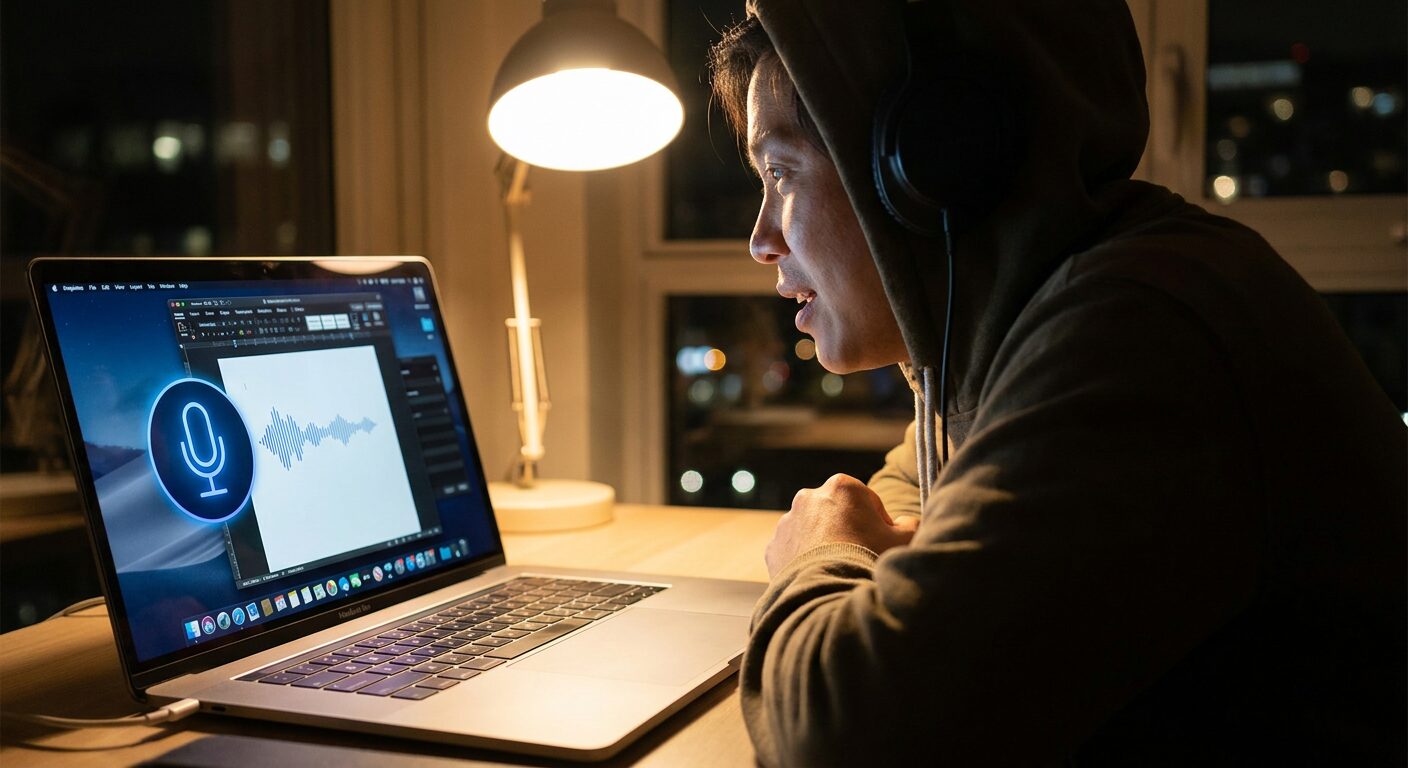
Google Gemini Desktop Is Getting Voice Control That Actually Listens
The first time I used Gemini on my Mac, I closed it after ten minutes and went back to Chrome. It felt like a slightly smarter search bar. That’s changed. Google’s been quietly building something that might actually make Gemini useful as a daily driver — and the interesting part isn’t what you’d expect.
Early builds of the macOS app are testing three things: system-wide voice dictation, real-time cursor tracking, and something Google internally calls Magic Pointer. The voice part is the most immediately practical, so let’s start there.
The Voice Feature Nobody’s Talking About
Most voice input is siloed. You can dictate in Apple Notes but not in Slack. You can transcribe in Pages but not in Figma. Google is building Gemini’s voice engine at the OS level — which means it works wherever your cursor is, in whatever app you’re in.
That’s not an accessibility story. That’s a power-user story. If you think faster than you type — and if you’ve ever stared at a blank document, willing words to appear, you know this feeling — voice input at the OS level changes your workflow entirely. You can capture a thought at the speed it arrives without switching windows or breaking your flow.
The system handles punctuation, paragraph breaks, and correction commands (“delete that”, “undo”) natively. I watched a demo, and the accuracy looked solid, though I’ll reserve judgment until I’ve spent real time with it. Early reports from testers suggest the error rate is low enough that most people won’t need to fix mistakes mid-thought.
Magic Pointer: The Actually Interesting Part
Okay, this one caught my attention.
Magic Pointer lets Gemini watch your screen and move your cursor in response to voice commands. Not just read what’s on screen — actively manipulate UI elements. Say “click submit,” and it targets the button. Say “scroll to comments,” and it navigates there. Traditional accessibility tools describe UI; Magic Pointer acts on it.
That requires Gemini to understand not just what’s visible on screen, but what actions are possible at each location. Google’s been training the vision pipeline on millions of desktop screenshots to build this understanding. If it ships reliably, it could be the most capable hands-free computing interface available — more powerful than macOS Voice Control, more context-aware than Dragon on Windows.
If. That’s doing a lot of work in that sentence.
The latency question matters here. There’s a meaningful difference between “Gemini clicked the right button eventually” and “Gemini clicked the right button before you got frustrated and did it yourself.” The latter is useful. The former is a party trick.
The Continuity Thing
Google’s also testing device handoff — start a voice session on your Mac, hand off seamlessly to your Android phone or tablet. Apple built this years ago with Continuity, and it actually works. Google has never quite cracked it for its own assistant ecosystem. Whether Gemini handles this smoothly will be a real test of whether the feature is genuinely useful or just another checkbox.
Why This Actually Matters
The desktop AI assistant space is getting crowded. Microsoft has buried Copilot in Windows and Office. Apple is slowly expanding Apple Intelligence across macOS. OpenAI has a Mac app. Anthropic has Claude. Google has been mostly quiet on the desktop, mostly on mobile and web.
These features suggest Google is done treating Gemini as a cloud service with a desktop window. They’re building it as a genuine local productivity layer. That shift in ambition matters for anyone who spends their day in a browser and a terminal.
The privacy question is obvious. When an AI has continuous access to your microphone and screen, the trust calculus changes. Google hasn’t specified how they handle data from voice sessions or what Magic Pointer can and can’t see. That’s the question I’d want answered before I enable these features. You should, too.
No timeline yet, and features could change before rollout — or get cut entirely. But the direction is clear. Google wants Gemini to be ambient. Not another chat window you have to think about opening.
I’ll be testing the public release the day it drops. Will report back with something more useful than a feature list.