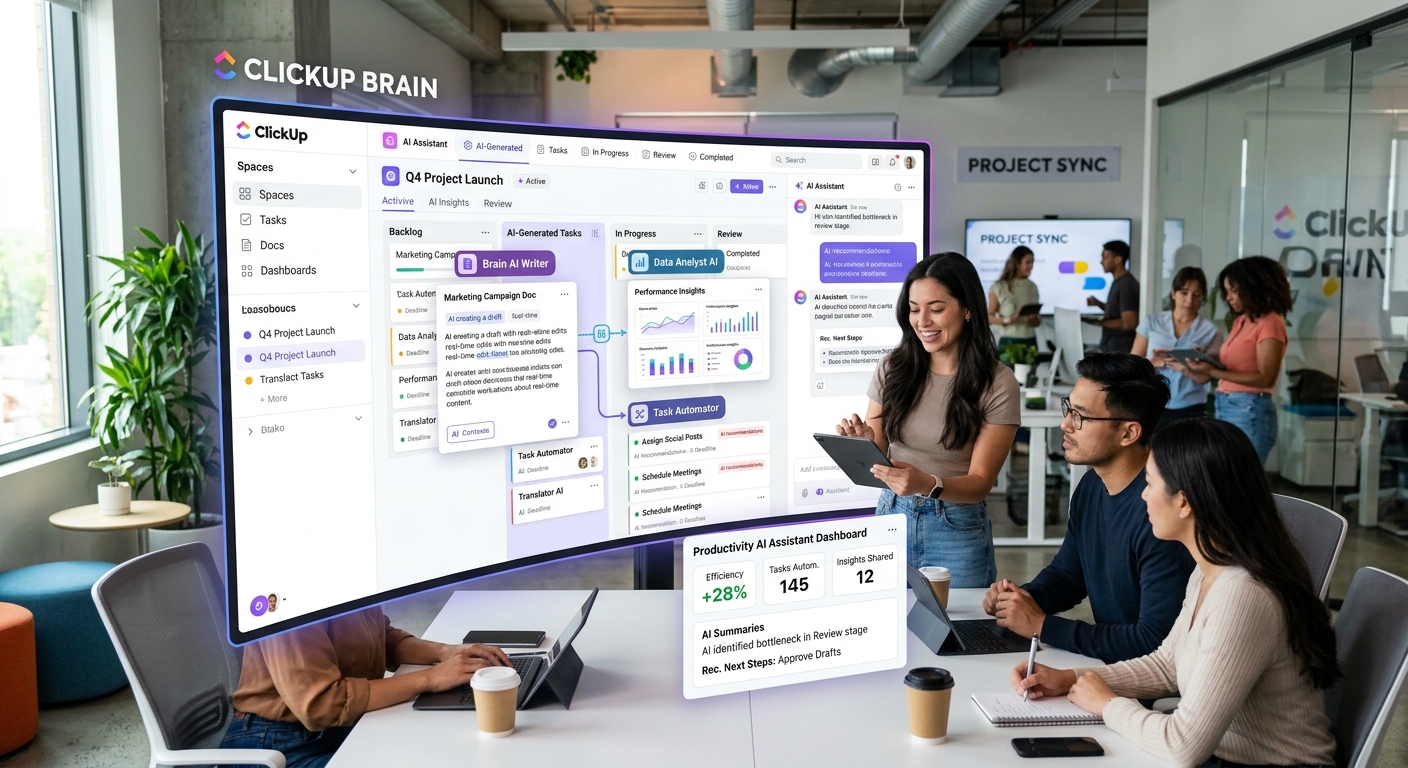
ClickUp Brain² Runs AI on Your Entire Workspace — Not Just What You Paste In
ClickUp shipped Brain². The pitch is that it runs on the full context of your workspace — every document, task, comment, project you’ve ever touched. That sounds obvious once someone says it. Before that, everyone building AI in productivity tools was just building better search.
Most AI in productivity tools works like search: you ask, it finds, it answers. Brain² is designed to reason across everything simultaneously. It knows what you’ve been working on, where work is blocked, what your team has been discussing, what needs to happen next. Not because you pasted context into a prompt — because it can actually see your workspace as a system.
If you’ve used ClickUp for years, you have years of accumulated work sitting in there. Tasks from people who left the company. Decisions made in comment threads that nobody can find because they’re buried in old task histories. Project history that exists but is functionally inaccessible because nobody has time to dig through it. Brain² reads all of it. New team members inheriting institutional knowledge used to require sitting next to someone senior. Maybe not anymore.
The model-routing layer routes to whatever model fits the query type. ClickUp isn’t arguing one model wins on everything. That’s an honest take — and building it is still non-trivial infrastructure work that most productivity tool teams don’t have the engineering capacity to attempt.
ClickUp already has a visual project structure. Brain² adds an AI layer that understands that structure rather than treating it like a searchable database. You can ask ‘what are we actually blocked on’ instead of reading every task status manually. You can ask ‘what did we decide about the launch sequence in that March thread’ without having to remember which document it was in. Questions that used to require a meeting to answer, now you can just ask.
The spatial reasoning angle is interesting. ClickUp’s existing visual structure gives the AI something to reason about spatially rather than just textually. Projects have hierarchies, dependencies, and owners. A model that sees that structure can answer different kinds of questions than one that just sees a pile of text. What files does this task connect to? Who else is working in this part of the workspace? Where did this decision get made?
The gap between ‘demoed well’ and ‘works in my actual workspace’ is real for every AI product. I’ve seen too many tools that look transformative in a screenshot and ordinary once you load real data. I’ve used ClickUp long enough to know the amount of historical noise in a mature workspace is significant. Whether Brain² cuts through that noise cleanly or adds another layer of complexity — worth watching, and worth waiting for real user reports before betting your workflow on it.
ClickUp has been more aggressive on AI integration than most productivity platforms. Three years ago, they were a project management tool with an AI feature or two. Now they have multiple AI-native workflows built into the core product. Whether that aggression translates to utility at scale — I don’t know yet. The theory is solid. The execution question is what matters now.