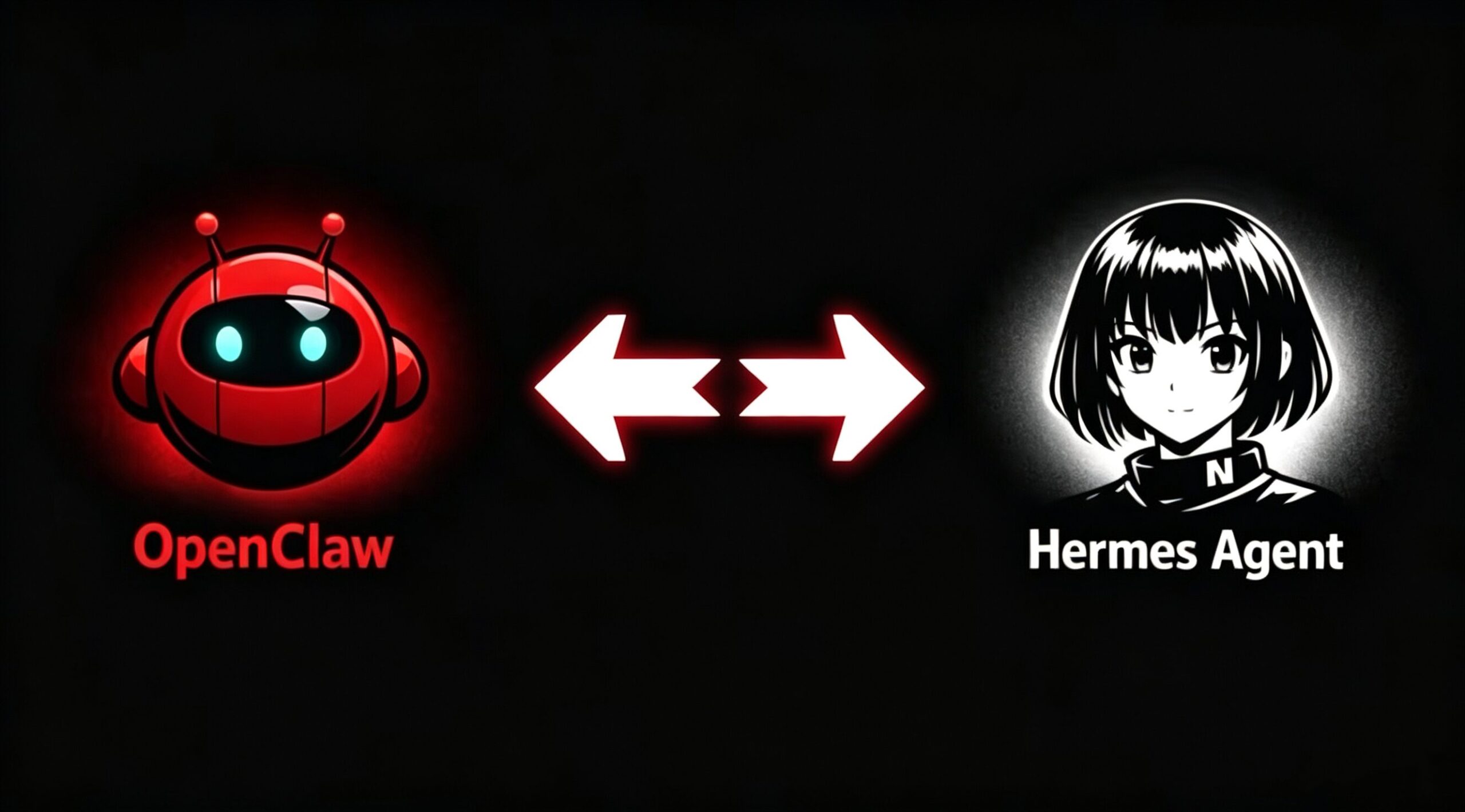
How I Migrated My AI Agent to a New Machine-And What Actually Worked
A new Mac Mini showed up at my desk last week. Two aging machines were dying in parallel-a MacBook with a dead battery that cut power the moment the MagSafe cable moved, and an Ubuntu desktop whose network card gave out every few days unless I rebooted it manually. Both had been running my AI agents for months. Both were running out of steam.
The plan was simple. Move everything to the new hardware and stop juggling failing machines.
What followed was a week of trial, error, and one approach that actually worked better than anything I expected.
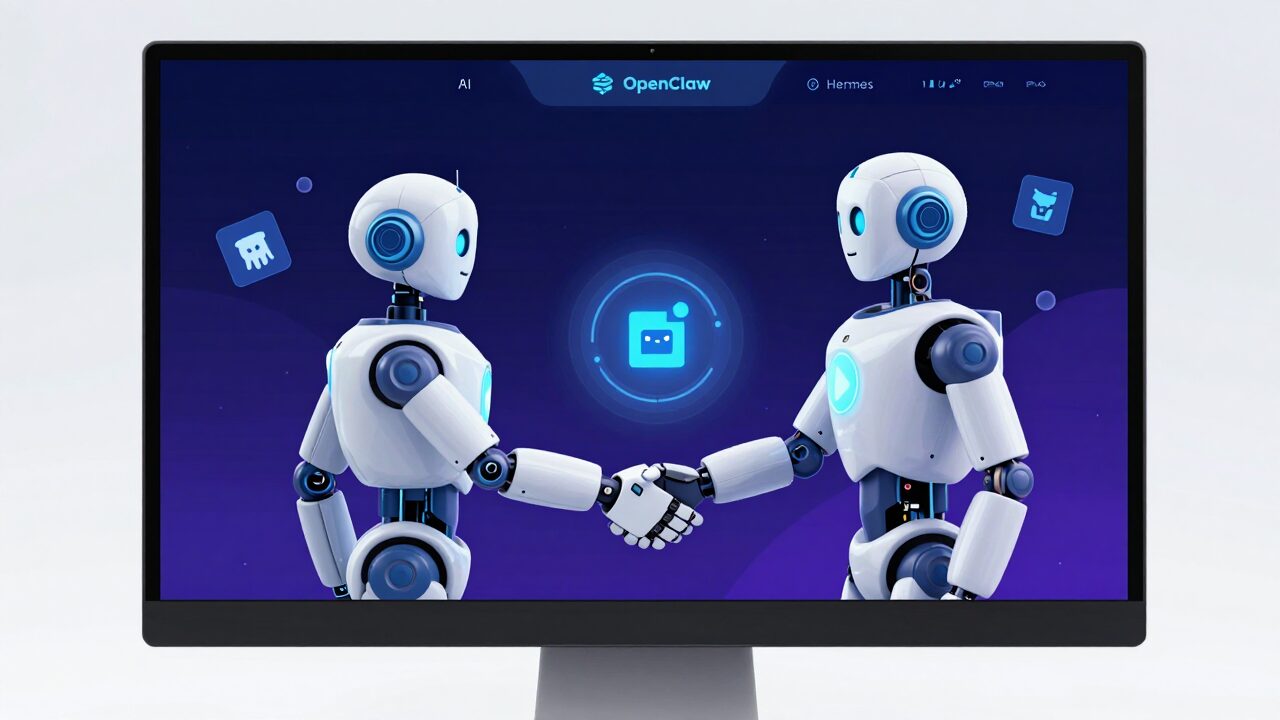
The naive approach first. Copy the entire agent folder from the old machine to the new one and run it from there.
This is what I tried first. It makes sense on paper. The agent is a folder. Folders can be copied. Copy the folder, launch the agent, done.
It did not work.
The agents-both of them-were installed via command line. That process loads plugins, sets up dependencies, and configures paths against the local system environment. Copying the folder moved the furniture. It did not move the foundation. And since the old machines ran different operating systems-one macOS, one Ubuntu-the system environments were already incompatible before I even started.
What about installing a fresh version first, then overwriting with the old files?
Tried that too. OpenClaw reported a cascade of errors on startup. Hermes would not even launch. The configuration files pointed to paths that no longer existed. Basic commands could not find their way around. Both agents were effectively paralyzed.
The files I actually cared about were SOUL.md and MEMORY.md. These two files are what make an agent feel like the same agent after a transfer-personality adjustments, accumulated conversation memory, configured cron tasks. Without them, the migration would have meant starting from scratch on two agents I had spent months tuning.
That was not acceptable.
So I stopped trying to move the agents myself. I let a fresh installation do the moving instead.
The logic was straightforward. A new agent installation understands its own structure. It knows which files are configuration, which are data, which are system-dependent. If I gave it access to both the old folder and its own new environment, it could figure out what needed to move and what needed to be translated.
Here is how it worked in practice.
First, I installed a clean version of OpenClaw on the new Mac Mini. Confirmed it ran without errors. Second, I copied the complete old OpenClaw directory to the desktop-this became the migration source. Third, I opened a conversation with the new installation and gave it this instruction:
“I have an old agent backup on the desktop. Look at which files can be copied directly, which need path corrections, and migrate as completely as possible without breaking the new system’s configuration.”
The new OpenClaw started by reading the official migration documentation. Then it did something I had not anticipated.
It generated a full comparison table. Old username versus new username. Old version number versus new version number. Plugins that had been reorganized from extensions/ to plugin-skills/. Provider names that had changed between versions. It categorized everything by risk level and scheduled four batches of operations. Each batch ran with a full backup first. Each batch stopped for verification after.
The script that deleted its own working directory.
One of the migration script steps rebuilds the current working directory from scratch. The script removes the directory and recreates it. In the original environment, this worked fine. In my new environment, every subsequent command failed because the working directory no longer existed.
The fix was simple. Run the script from a different directory. Once the script had a safe place to operate, the rest of the migration ran without issues.
The Feishu plugin schema had changed between versions. A field that was stored as a string in the old version was now a boolean in the new one. Two additional fields that had not existed before were now required, and the old configuration included fields that were no longer allowed. OpenClaw detected the mismatch, rewrote the configuration file in Python, and fixed the schema compatibility in a few seconds.
Forty-eight cron tasks came back. Nine hundred and ninety-six lines of memory. Feishu and WeChat channels reconnected. One thousand one hundred and eleven historical conversations restored.
Hermes received the same treatment, with one additional complication.
I had initially copied the migration prompt from the OpenClaw process without adjusting for the fact that the old Hermes machine ran Ubuntu, not macOS. Ubuntu stores skill files in a different directory structure than macOS. After the first migration batch, seventeen Feishu skills showed up as broken symbolic links-the files they pointed to no longer existed at the expected paths.
A second pass fixed the missing files. One hundred and thirty-three skills were fully restored.
There was also the systemd versus launchd difference. Linux machines use systemd to manage background services. Macs use launchd. After the migration, the startup scripts that had worked on Ubuntu needed to be rebuilt for macOS. Hermes generated a conversion guide and a one-line launchd installation command. I ran it. The services came up correctly on the new machine.
Both agents are now running on the Mac Mini. Quiet, cool, stable.
Three things I would do differently if I started today.
Do not copy the entire agent directory and expect it to run. Install a clean version first. Then migrate only the meaningful data files-configuration, memory, skills, cron tasks-and let the new installation adapt those files to its own system environment. The system environment itself cannot be copied across operating systems.
Run each migration step with a backup before it. If something breaks, you can roll back instead of starting over. OpenClaw’s migration script creates a timestamped backup before every operation. Hermes splits the entire process into batches, pausing after each one for verification. Both approaches are worth following.
Let the new agent handle the file analysis. Configuration files from old installations reference paths, versions, and schemas that will not match the new environment. A new installation of the same agent can read both sets of files and generate the necessary corrections automatically. It knows which fields changed, which paths moved, and which plugins are no longer needed. Manual path editing is slower and more error-prone than letting the agent do it.
The new Mac Mini has been running for a week now. Both agents are stable. The old hardware is retired.
If you are managing similar migrations and want the actual prompts and step-by-step logs from both the OpenClaw and Hermes transfers, those are available. The OpenClaw version and the Hermes version each took a different path-the Ubuntu-to-macOS transition for Hermes added complications that the macOS-to-macOS OpenClaw migration did not have. Having both records lets you pick the one that matches your situation.
The most useful thing I learned from this process is also the simplest. When an agent breaks because its configuration points to the wrong paths, the agent itself usually knows how to fix it. You just have to give it access to both the old configuration and the new environment, and ask it to compare the two.