Stop Paying for AI APIs: 3 Open-Source Tools That Run Everything Locally
I have been paying for OpenAI APIs for two years. Every month, $50 here, $80 there, and it adds up faster than you think. Then I started wondering whether I could actually run this stuff myself. Spoiler: you can, and it is not even that hard.
Let me walk you through three tools that changed how I think about AI infrastructure. These are not theoretical projects or research prototypes. They are production-ready tools I have actually used, and each one solves a different real problem.
The thing that pushed me over the edge was not the money, though the money is real. It was realizing I was sending some fairly sensitive client documents to a third-party API and just hoping their security was good enough. That feeling does not get better with time.
So I went down the local AI rabbit hole, and three tools kept coming up: GPT4All, LocalAI, and AnythingLLM. Here is what I actually found after spending real time with each one.
Why Local AI Is Not Just for Hobbyists Anymore
A few years ago, running AI models locally was an enthusiast project. You needed expensive hardware, you sacrificed performance, and you spent more time debugging your setup than actually using it. That era is over for a surprisingly large class of workloads.
Privacy is the most common reason people make the switch. If you work in healthcare, law, finance, or any industry that touches sensitive documents, sending that data to OpenAI creates compliance questions that are genuinely hard to answer. A local model makes the question disappear entirely. Your documents never leave your network, and there is no third-party data processing agreement to worry about.
Cost becomes compelling at scale. API subscription fees compound fast when you are running document-heavy retrieval pipelines or processing high volumes of queries. Once you model out the hardware cost of a mid-range workstation with a GPU, the payback period is usually just a few months for anything that qualifies as a serious production workload. After that, you are running on hardware you already own.
Latency is the third factor people underestimate. When your AI stack is on the same LAN as your application servers, you eliminate the round trip to a cloud API. For internal tools and document Q&A systems, that difference is noticeable in daily use.
GPT4All: The One Non-Technical People Can Actually Use
GPT4All is the tool I recommend to almost anyone who is not a developer. It is a desktop application; you download it, you pick a model from a list, and you are talking to a local AI in about ten minutes. No command line, no configuration files, no Docker. It just works.
The project has 77,000 GitHub stars, which is not a perfect measure of quality but tells you something. It is maintained by Nomic, and they have been consistently shipping updates without the kind of drama that kills open-source projects. The model library is the real story. Llama 3, Mistral, Vicuna, and dozens of others are all available through the built-in model browser, and once downloaded, they run entirely offline.
The feature I use most is called LocalDocs. You point it at a folder on your hard drive, it builds a vector index over your PDFs and documents, and then you can ask questions in plain English. What did we agree on in the contract revision? What does the Q3 report say about operating margins? The model answers from your actual documents, and nothing ever leaves your machine. I set this up for my own note archive about two months ago, and I use it more than I expected.
Hardware is reasonable too. Mistral 7B runs fine on my laptop with 8GB of RAM. Llama 3 70B needs more memory but still fits on consumer hardware if you have 32GB or so. No GPU required, though a GPU makes it noticeably faster.
Where GPT4All falls short is customization. If you want to integrate it into a workflow or build something on top of it, you will outgrow the GUI pretty quickly. For that, you need a different tool.
LocalAI: What Developers Actually Want
LocalAI is the tool I reach for when I am building something that needs to replace an OpenAI dependency. The core idea is simple: it exposes an OpenAI-compatible REST API, which means you change your API base URL and your existing code mostly just works. That is the entire value proposition, and it is a compelling one.
It supports text generation, image generation, audio transcription, and embeddings. CPU-first, which is genuinely interesting. You do not need a GPU to run LocalAI. I tested it on an old desktop I had sitting around, and while inference was slow, it worked. Drop in a compatible GPU, and it gets genuinely fast.
The architecture is a service running on your machine. You send REST calls; it returns responses in the same format OpenAI would. Existing libraries, existing prompts, existing tools. Everything just works. I migrated a document summarization pipeline I had running on GPT-4 to LocalAI with about an hour of work and no meaningful drop in quality.
Model support covers around 150 open-source architectures, last I checked. Llama 3, Mixtral, the usual suspects. Configuration is through YAML files, which developers will recognize as familiar territory.
The obvious limitation is that there is no user interface. LocalAI is infrastructure, not a product. You get a service endpoint and whatever front-end you decide to build on top of it. If you need something non-technical people can actually use without a custom interface, that is where the third tool comes in.
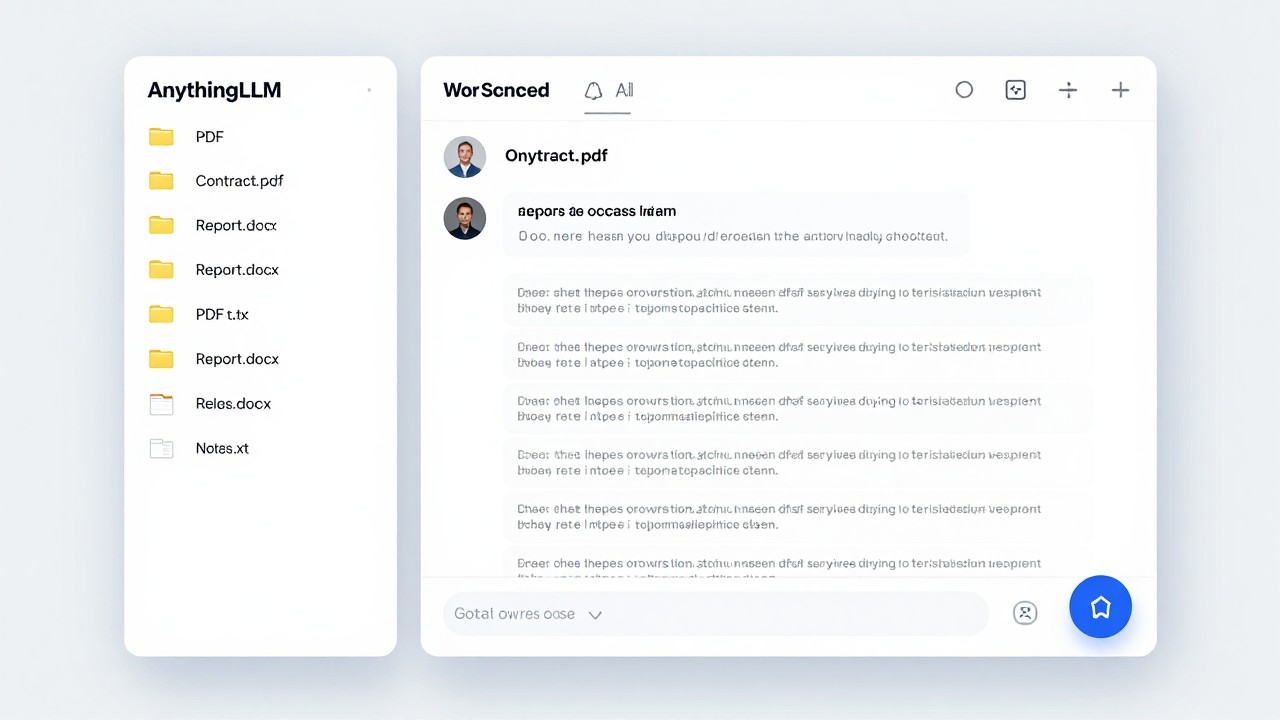
AnythingLLM: The Polished Product for Teams
AnythingLLM is the tool I suggest when a team needs a document Q&A system that people will actually use. It fills the gap between the raw power of LocalAI and the accessibility of GPT4All, and it does it with a web interface that does not feel like a research project.
The workflow is exactly what you want it to be. Create a workspace, upload your documents, start asking questions. AnythingLLM handles the embedding generation, the vector storage, and the retrieval pipeline automatically. You never touch a configuration file or run a terminal command. For non-technical team members, this matters more than I initially thought it would. Adoption is a real problem in this space, and AnythingLLM solves it by being genuinely easy to use.
What impressed me technically is the model flexibility. AnythingLLM connects to any LLM that speaks the OpenAI API protocol. LocalAI, Ollama, LM Studio, whatever you have running. It also supports multi-modal models for analyzing image-based documents and integrates with Whisper for audio transcription. The flexibility means you are not locked into a specific model provider.
For organizations handling multiple clients or departments, the multi-workspace model is genuinely useful. Separate knowledge bases, separate access scopes, no cross-contamination. I can see this being valuable for agencies managing client research, law firms with sensitive matters, or any consulting practice that needs to keep client data strictly siloed.
The retrieval pipeline is configurable in a way that actually makes sense. You control how many document chunks are retrieved per query, how they are ranked, and how they are fed to the language model. These parameters determine whether a RAG system produces useful answers or generic nonsense. AnythingLLM exposes them without requiring a machine learning degree to understand.
Hardware requirements are similar to GPT4All. Eight gigabytes of RAM handles smaller models comfortably. Scale up as needed.
Putting It Together
Here is what I have actually wound up doing. GPT4All for personal use, anything that touches my personal notes or one-off research. LocalAI for building and testing new features, because the API compatibility means I can validate locally before committing to anything. AnythingLLM for team knowledge management, because non-technical people actually use it without me having to build a custom interface.
The three tools are not competitors. They solve different problems, and most people who get serious about local AI end up using all three eventually. The transition does not have to be all or nothing either. You can start with GPT4All for personal use today and migrate production workloads once you have validated quality and performance in your specific use case.
The economics are hard to argue with once you cross a certain scale. API costs compound fast in production environments. A mid-range GPU workstation pays for itself within a few months against typical API subscription costs, and after that it is just running on hardware you already own. For any team or business running AI workloads seriously, this math is worth actually doing rather than assuming you have to stay with cloud APIs.
The privacy angle is real too, and it is not just about compliance theater. There are genuinely sensitive documents I am more comfortable processing locally than sending to any third-party API, regardless of how good their security posture is. That is not a theoretical concern for a lot of industries, and local AI tools have gotten good enough that there is no longer a meaningful tradeoff on quality or usability.
These three tools are where I would start. They are mature, actively maintained, and have communities that are actually helpful. The local AI moment is real, and it is not just for researchers and enthusiasts anymore.